


Shopify page speed optimization is your sure way of reducing bounce rate and raising sales. After all, over 47% of users expect a website to load in 2 seconds or less and every one-second improvement in page load time boosts conversions by 2%.
Along with boosting user experience, improved Shopify site speed also increases your Google potential. Higher search engine rankings make your store easier to discover, letting you attract and retain more customers.
This article explores why Shopify speed optimization is indispensable for success, explains how to measure performance, and shares effective strategies to increase Shopify store speed for faster load times, better engagement, and higher sales.

What Makes a Shopify Store Slow?
A ‘Failed’ status on Core Web Vitals as well as a <70 Shopify speed score both point to a slow speed. The reasons for that can vary from technical and SEO to content-related issues. Let’s look at the key factors behind slow Shopify speed:
- Large or Poorly Compressed Images. High-resolution images that are not compressed or resized properly can significantly increase loading times.
- Excessive Third-Party Apps. Every app installed on your Shopify store often adds scripts and code to your site. Unnecessary or redundant apps can slow down page load times, even if they're not actively in use.
- Embedded Media and/or Scripts. Videos, external widgets, or embedded social media feeds can add latency.
- Unoptimized Themes. Some Shopify themes are heavy or poorly coded, which can make pages take longer to load. Custom themes without proper optimization can exacerbate this issue.
- Excessive JavaScript and/or CSS Files. Scripts and stylesheets that are too large or poorly managed can delay the rendering of your web pages.
- Slow Server Response Times. Although Shopify provides hosting, certain regions or peak traffic times can affect server speed.
- Uncached Pages. Pages like checkout or cart are often not cached to ensure dynamic updates.
- Too Many Redirects. Redirect chains or unnecessary redirects can waste server resources and slow down page load times.
- Lack of Regular Maintenance. Outdated themes, apps, or large amounts of unused data can bloat your store, impacting its performance.
Why Shopify Speed Optimization Matters
Shopify store speed isn't just a technical detail, it's a make-or-break factor for customer retention and revenue growth. Speed optimization actively boosts, reduces, improves, enhances, lowers, and builds key performance drivers, as you'll see below.
Boosts SEO Rankings –Google prioritizes page speed in its Core Web Vitals; faster sites climb higher in search results, driving more organic traffic.
Reduces Bounce Rates –Pages loading over 3 seconds cause 53% of mobile users to abandon, quick loads keep visitors engaged.
Improves Conversions – Load delays cut conversions; optimized speed turns browsers into buyers.
Enhances Mobile Experience –Since most Shopify traffic comes from mobile devices, fast-loading pages serve on-the-go shoppers worldwide.
Lowers Hosting Costs –Efficient code and images reduce server load, saving on bandwidth and scaling expenses during traffic spikes.
Builds trust and Loyalty –Snappy performance signals professionalism, encouraging repeat visits and positive reviews.
To address all or any of these issues, consider a comprehensive Shopify site speed optimization strategy. This includes image compression, code optimization, app review, and other points that we describe in detail next.
Basic Steps to Optimize a Shopify Store
Improving your Shopify store speed doesn’t always require a complete overhaul. Here are 7 easy and practical steps to speed up Shopify websites that any Shopify merchant can follow.
1. Use a Lightweight Theme
Pick a performance-first theme like Dawn and avoid themes bloated with excessive animations, custom fonts, and heavy JavaScript frameworks.
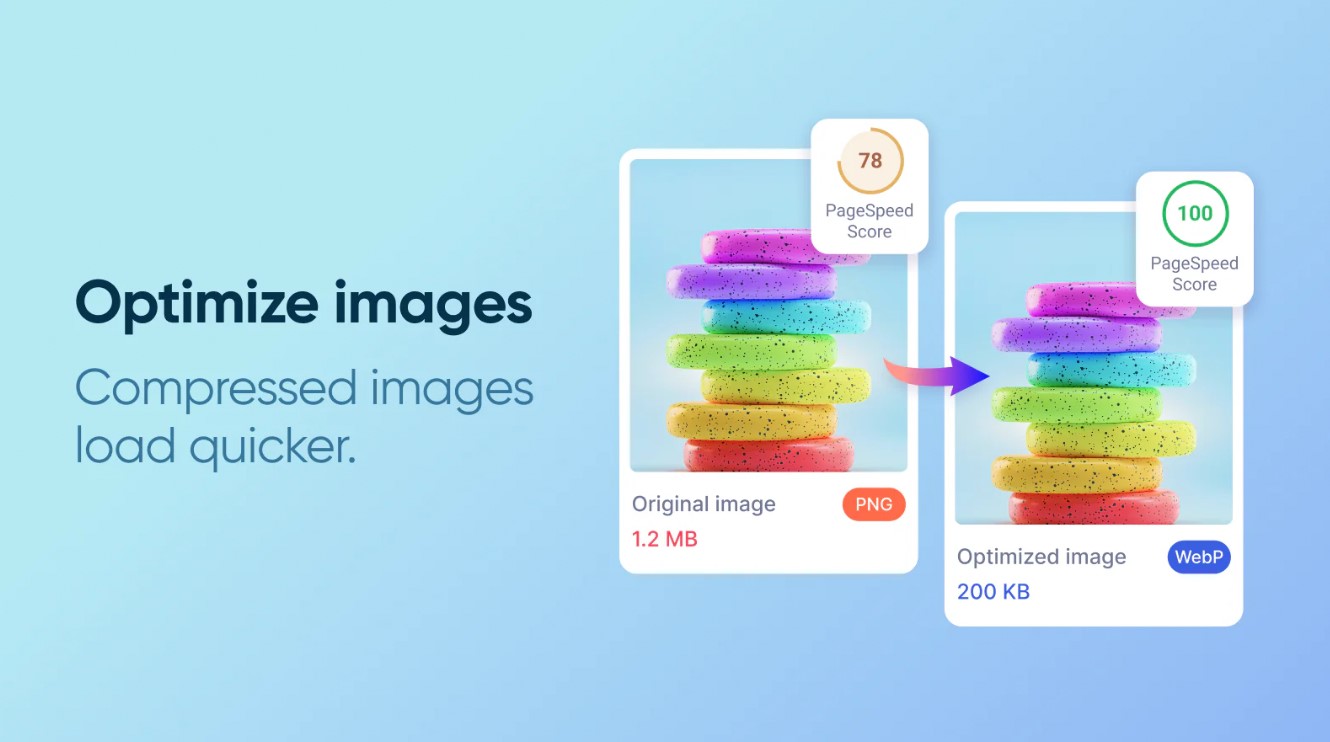
2. Optimize Images and Videos
Compress product images, serve them in modern formats like WebP, scale dimensions to the display size, and replace auto-playing background videos with optimized static hero images.
Read More: Recommended Sizes for Shopify Images
3. Use Lazy Loading
Defer off-screen images, videos, and iframes so they only load when the user scrolls near them, drastically cutting initial page weight and time to interactive.
4. Leverage Caching Techniques
Shopify already includes solid browser and server-side caching out of the box, just make sure you haven’t disabled it with custom header rules or misconfigured third-party apps.
5. Use Shopify’s CDN
All store assets are automatically served from Shopify’s global CDN. Keep the benefit intact by hosting files on Shopify instead of linking to slow external sources.
6. Consider Upgrading Your Shopify Plan
Higher plans offer more server resources and lower uncached response times, which can make a noticeable difference during traffic spikes.
7. Reduce Redirects
Each redirect forces an additional HTTP round-trip. Clean up unnecessary URL redirects and internal links that trigger extra hops.
8. Remove Unused Apps
Even when deactivated, many apps leave behind residual code and tracking tags. Delete any apps you aren’t actively using to strip out silent performance drag.
9. Use Apps from Trusted Vendors
Prioritize apps known for clean, performance-conscious code. A single poorly built app can load multiple render-blocking scripts and undo all your other optimizations.
10. Use Google PageSpeed Insights
Regularly run your store through PageSpeed Insights to get actionable, real-user performance data and catch issues before they impact conversions.




Pro Steps to Speed Up Shopify Sites
For more significant performance improvements, advanced techniques can noticeably speed up Shopify stores. Most of them are still something a Shopify store owner can do without a tech department or a hired maintenance team.
1. Liquid Code Optimization
Found in Online Store → Themes → Actions → Edit code. Bloated loops, especially in product and collection templates, raise server processing time and harm Time to First Byte. Keeping Liquid lean by using smart caching, includes, and removing dead logic delivers HTML faster across your store.
2. Limit Scripts to Essential Pages
Wrap third‑party script tags inside Liquid conditionals like {% if template == 'product' %} so chat widgets, pop‑ups, and analytics fire only where needed. Without that, render‑blocking JS fires everywhere, destroying Total Blocking Time and first‑input delay. Scoped scripts keep every page lightweight.
3. Simplify Checkout Steps
In Settings → Checkout (Shopify Plus offers deeper control), strip extra form fields, notes, and address suggestions. Each extra field or API call in the checkout flow adds latency exactly when carts are won or lost. A lean checkout trims abandonment and shrinks transaction time.
4. Minimize HTTP Requests
Audit through Chrome DevTools’ Network panel and clean your theme.liquid / theme.css. Combine icons, drop unused font weights, and remove dead app references. Every saved request reduces DNS lookups and connection handshakes, directly cutting page load time and improving interactivity.
5. Minify and Compress Code
Custom CSS and JS in the Assets folder often ships unminified. Manually minify, then serve .min versions. Bloated, unminified code pushes Largest Contentful Paint out of the green zone, while compressed assets parse faster and make the store feel instantly snappier.
6. Implement AMP (Accelerated Mobile Pages)
Added via app or custom build, AMP strips heavy JS and pre‑renders product pages in Google’s cache. Without it, you miss out on instant mobile SERP carousels. Maintained AMP pages load in under a second, capturing impatient mobile traffic where signal is weak.
7. Monitor Third-Party APIs
Check your theme.liquid <head> and app embed blocks for leftover external domains. Abandoned API calls from old apps inflate Time to Interactive and risk JS errors. Pruning them keeps the network waterfall lean and ensures your store only waits for critical services.
8. Preloading and Prefetching
Monitoring and Continuous Testing
Professional Help for Complex Shopify Speed Issues
Some speed issues need a developer’s touch. If you have heavy customizations, Liquid code bottlenecks, render‑blocking scripts, or slow third‑party APIs that basic tools can’t fix, hire Shopify developers with proven speed‑optimization experience. Look for case studies, client testimonials, or vetted profiles on Shopify Experts and Upwork. You can also hire established companies that offer Shopify optimization services.
Read More: Best Shopify Development Companies
Conclusion
Shopify speed optimization is an ongoing effort that directly lifts customer satisfaction, conversions, and search rankings. Keep your store lean with a lightweight theme, image optimization, and routine monitoring.
For complex speed challenges like render-blocking scripts or Liquid code inefficiencies, seek professional assistance from Shopify speed experts like Amasty. Our skilled developers can deliver tailored solutions that optimize Shopify's performance without sacrificing functionality.